Browser game · Shooting
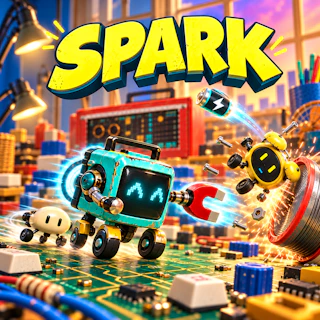
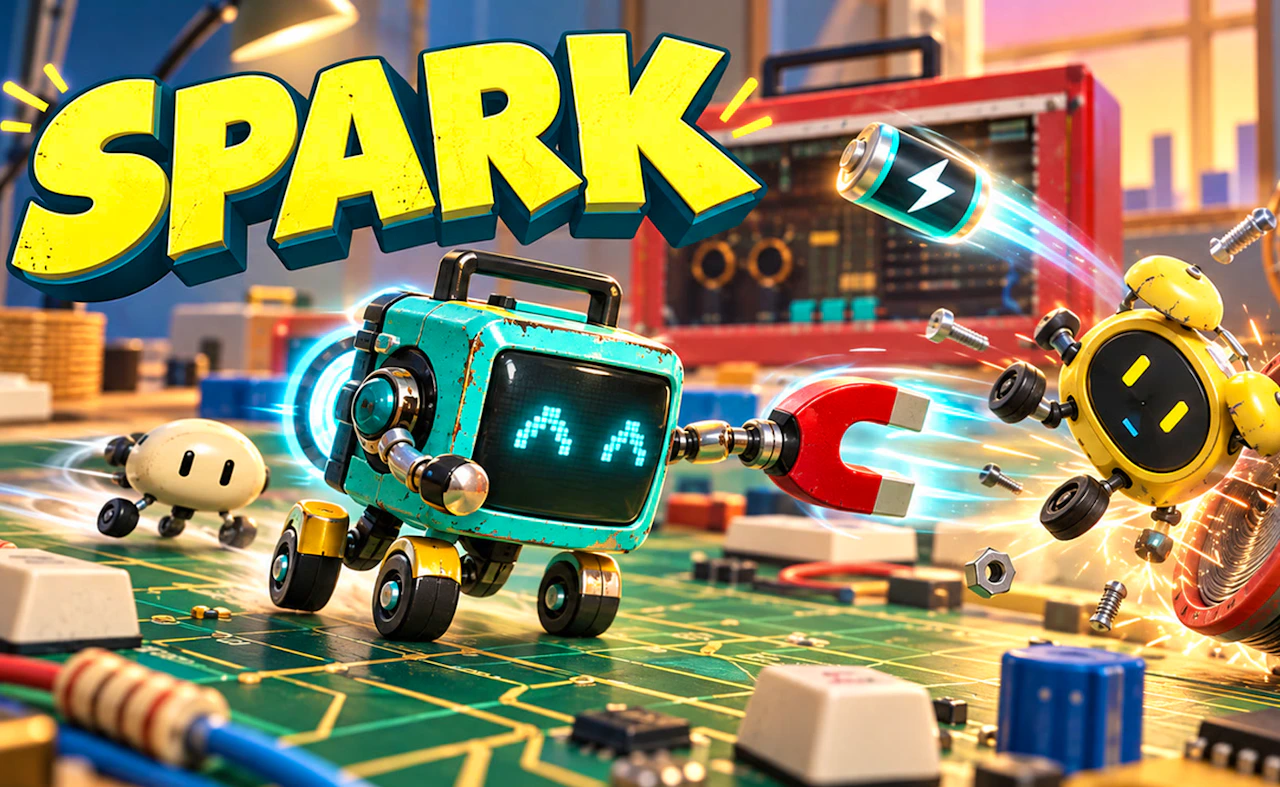
Spark - Toy King Rescue
Help Spark blast through a toy world to rescue the Toy King.
4.2Runs in your browser · no download
- Category
- Shooting
- Score
- 4.2
- Device
- Mobile + Desktop
- Access
- Free Play
- Controls
- Mouse + Keyboard
- Type
- HTML5 Game
The guide
Overview
Landscape shooting with a toy box setting. Aim, fire and push forward on a desktop or sideways phone.
What it's like to play
It's tempting to hold the trigger and hope. In Spark - Toy King Rescue, that tends to work for a little while. After that, accuracy starts to matter: wasted shots mean reloading at the worst moment, and the targets that count are rarely the ones sitting in the middle of the screen. Slow down a touch, pick your shots, and you'll be surprised how much further you get.
Controls
- Mouse to aim, click to act
- Arrow keys or WASD to move; Space to jump or confirm
- Press Escape or the exit button to leave the full-screen player
How to play
- 1Aim carefully instead of firing nonstop.
- 2Learn the reload timing and avoid being caught empty.
- 3Track which targets give the most points or pose the most danger.
- 4Stay calm when the screen gets busy.
Features
- Free to play, nothing to install, no account needed
- Loads in the browser tab and opens full screen when you press Play
- Plays best with the phone turned sideways or on a wider screen
- Mouse and keyboard controls, with touch support on most devices
- Listed under Shooting
Why it's worth a go
Precision feels great when it pays off. Spark - Toy King Rescue gives careful players an edge.
Who it's for
Accuracy fans, patient players, and anyone who likes a game that rewards technique.
FAQs
- Do I need a mouse for Spark - Toy King Rescue?
- A mouse helps in most shooting games, but touch controls often work too.
- Is it free?
- Yes. No payment or account needed.
- Does it save scores?
- Some shooting games store high scores in your browser. Clearing data may erase them.