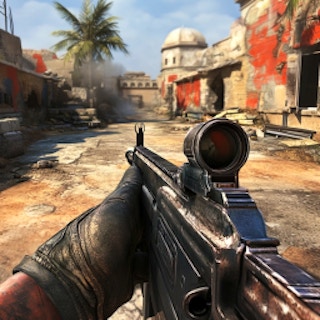
Browser game · Shooting
Commando Force 2
Pick team fights or every-player-for-themselves matches while a Battle Pass pays out.
4.8Runs in your browser · no download
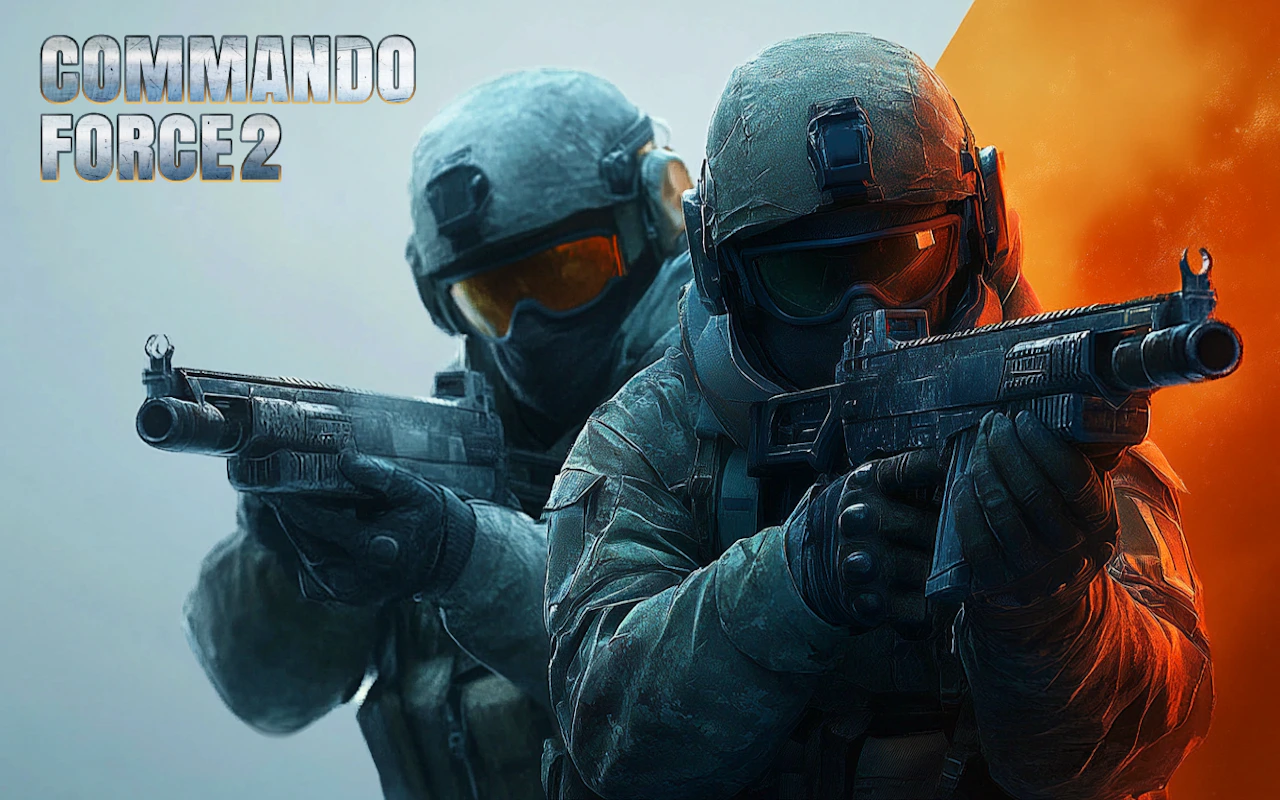
- Category
- Shooting
- Score
- 4.8
- Device
- Mobile + Desktop
- Access
- Free Play
- Controls
- Mouse + Keyboard
- Type
- HTML5 Game
The guide
Overview
Squad up or go solo against the whole lobby across several maps. A range of weapons is on offer, and the rewards keep coming as you play. Best on a wide screen.
What it's like to play
Shooting games split roughly into two moods: rapid fire and careful aim. Whichever way Commando Force 2 leans, the core is reading the scene before you pull the trigger. Wait for a clear line, judge the distance, and take the shot that matters rather than the first one available. Rushed shots miss. Considered ones land. The game rewards players who take a breath first.
Controls
- Mouse to aim, click to act
- Arrow keys or WASD to move; Space to jump or confirm
- Press Escape or the exit button to leave the full-screen player
How to play
- 1Scan the scene before firing.
- 2Wait for a clear shot instead of rushing.
- 3Account for movement or distance if the game requires it.
- 4Learn from misses and adjust your aim.
Features
- Free to play, nothing to install, no account needed
- Loads in the browser tab and opens full screen when you press Play
- Plays best with the phone turned sideways or on a wider screen
- Mouse and keyboard controls, with touch support on most devices
- Listed under Shooting
Why it's worth a go
A calm, careful shot that lands is deeply satisfying. Commando Force 2 lets you set your own rhythm in many moments.
Who it's for
Thoughtful players, sniper game fans, and anyone who likes precision over chaos.
FAQs
- Is Commando Force 2 hard?
- It usually starts gentle and gets tougher. Practice with aiming makes a big difference.
- Can I play on a laptop trackpad?
- Yes, though a mouse often feels more accurate for aiming.
- Do I need to sign up?
- No. You can play without an account.