Browser game · Shooting
Dead Shot Gulch
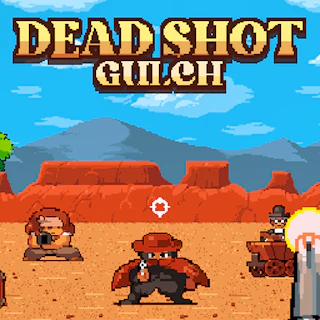
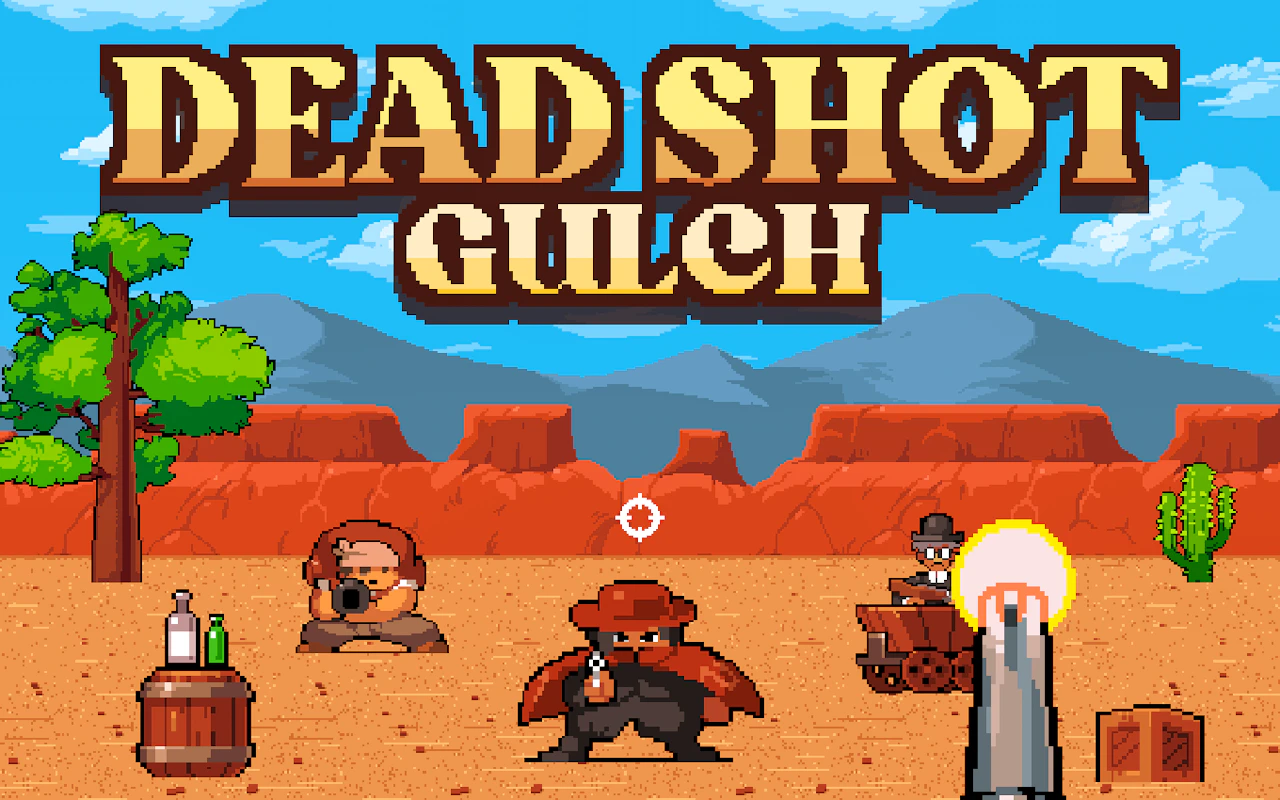
Draw fast and pick off targets in a first-person shootout down in the gulch.
3.9Runs in your browser · no download
- Category
- Shooting
- Score
- 3.9
- Device
- Mobile + Desktop
- Access
- Free Play
- Controls
- Mouse + Keyboard
- Type
- HTML5 Game
The guide
Overview
Sharpshooting in first person. Aim quickly, shoot straight and don't linger in the open. Landscape layout suits a desktop or a phone turned on its side.
What it's like to play
Standing still in Dead Shot Gulch is usually a bad idea. Good shooting games ask you to move and aim at the same time, which feels awkward for the first few minutes and natural after that. Cover, angles, and timing all matter. You'll learn which spots are safe, which enemies need attention first, and when it's smarter to retreat than to keep trading shots.
Controls
- Mouse to aim, click to act
- Arrow keys or WASD to move; Space to jump or confirm
- Press Escape or the exit button to leave the full-screen player
How to play
- 1Get comfortable moving and aiming together.
- 2Use cover or safe spots if the game provides them.
- 3Deal with the biggest threats first.
- 4Retreat and regroup when things get overwhelming.
Features
- Free to play, nothing to install, no account needed
- Loads in the browser tab and opens full screen when you press Play
- Plays best with the phone turned sideways or on a wider screen
- Mouse and keyboard controls, with touch support on most devices
- Listed under Shooting
Why it's worth a go
Combining movement and aim builds a real sense of skill. Dead Shot Gulch rewards players who stay mobile and think ahead.
Who it's for
Players who like tactical shooting, action fans, and anyone wanting more than stationary target practice.
FAQs
- How do I move and shoot in Dead Shot Gulch?
- Commonly, WASD or arrow keys move and the mouse aims and fires. Check the start screen for exact controls.
- Is it suitable for kids?
- It depends on the game's style. Many are cartoonish, but previewing first is wise.
- Will it work in my browser?
- It should run in any up-to-date browser. Try reloading if it doesn't start.