
Browser game · Kids
Yarn Trail
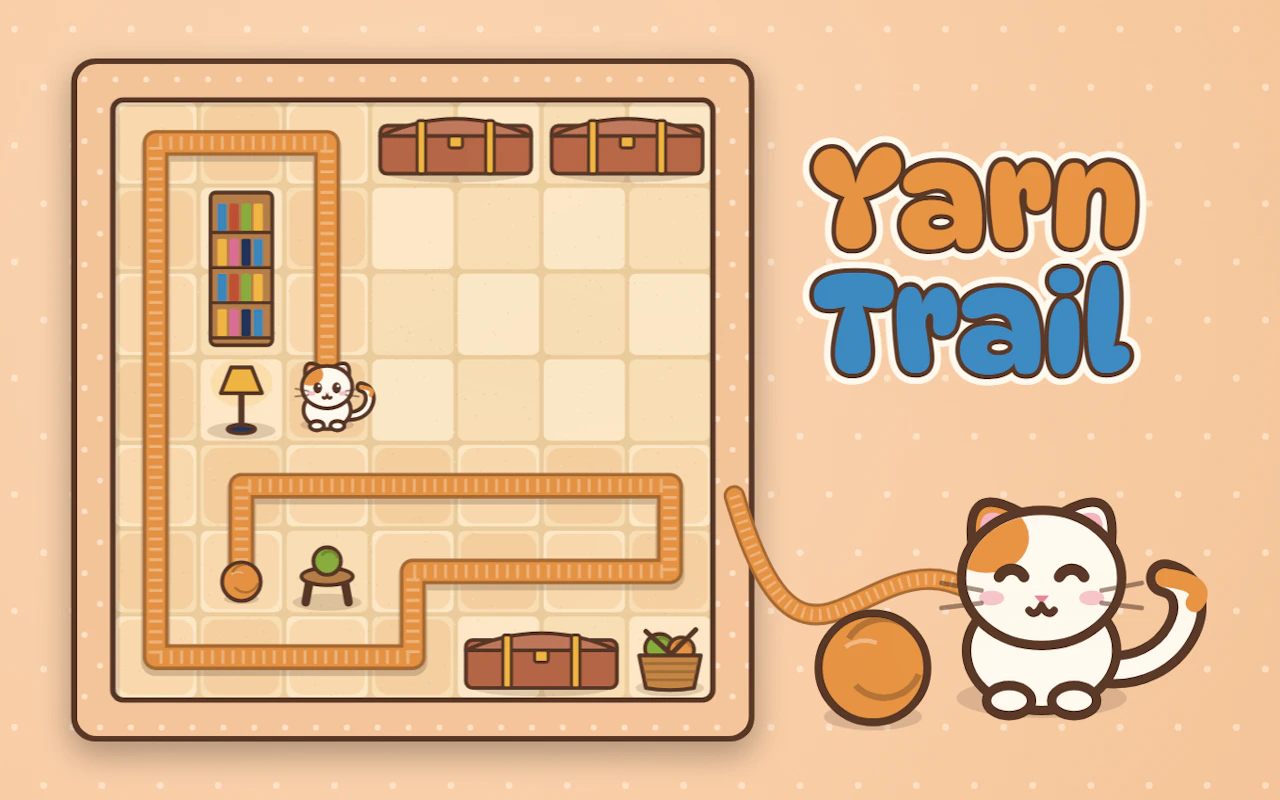
Follow a trail of yarn as a playful cat in a kids game.
3.9Runs in your browser · no download
- Category
- Kids
- Score
- 3.9
- Device
- Mobile + Desktop
- Access
- Free Play
- Controls
- Mouse + Keyboard
- Type
- HTML5 Game
The guide
Overview
Gentle cat-themed play for younger players. Chase the yarn, tangle things up and keep going. Works on phone or desktop.
What it's like to play
Parents tend to ask two things about a kids' game: will my child get it, and will they get bored? Yarn Trail answers the first with big, clear targets and no reading needed. It handles the second by changing things up every stage or so, a new animal, a new colour, a slightly trickier puzzle. Sessions are short and cheerful. Nobody gets stuck for long, because a wrong move simply means trying another spot.
Controls
- Mouse to aim, click to act
- Arrow keys or WASD to move; Space to jump or confirm
- Press Escape or the exit button to leave the full-screen player
How to play
- 1Tap Play and show your child where the first thing to touch is.
- 2Let them follow the picture clues and sound cues on their own.
- 3Cheer along with the game when they finish a task.
- 4Stop whenever you like; each stage is short enough that nothing is lost.
Features
- Free to play, nothing to install, no account needed
- Loads in the browser tab and opens full screen when you press Play
- Works in portrait or landscape
- Mouse and keyboard controls, with touch support on most devices
- Listed under Kids
Why it's worth a go
Yarn Trail keeps young players interested with small changes from stage to stage, while staying simple enough that they rarely need rescuing. It's free and plays straight in the browser.
Who it's for
Suits young children and the grown-ups who play alongside them. Kids who are new to touchscreens can usually manage after a minute of watching.
FAQs
- What age is Yarn Trail for?
- Games in the Kids category are aimed at young children. Every child is different, so trying the first stage together is the easiest way to tell.
- Does it need sound?
- Sound helps, since many prompts are audio, but the pictures usually show what to do as well.
- Can I play it on a computer?
- Yes. A mouse click works in place of a tap, though many kids find a touchscreen easier.