
Browser game · Action
Turbo Crash Test
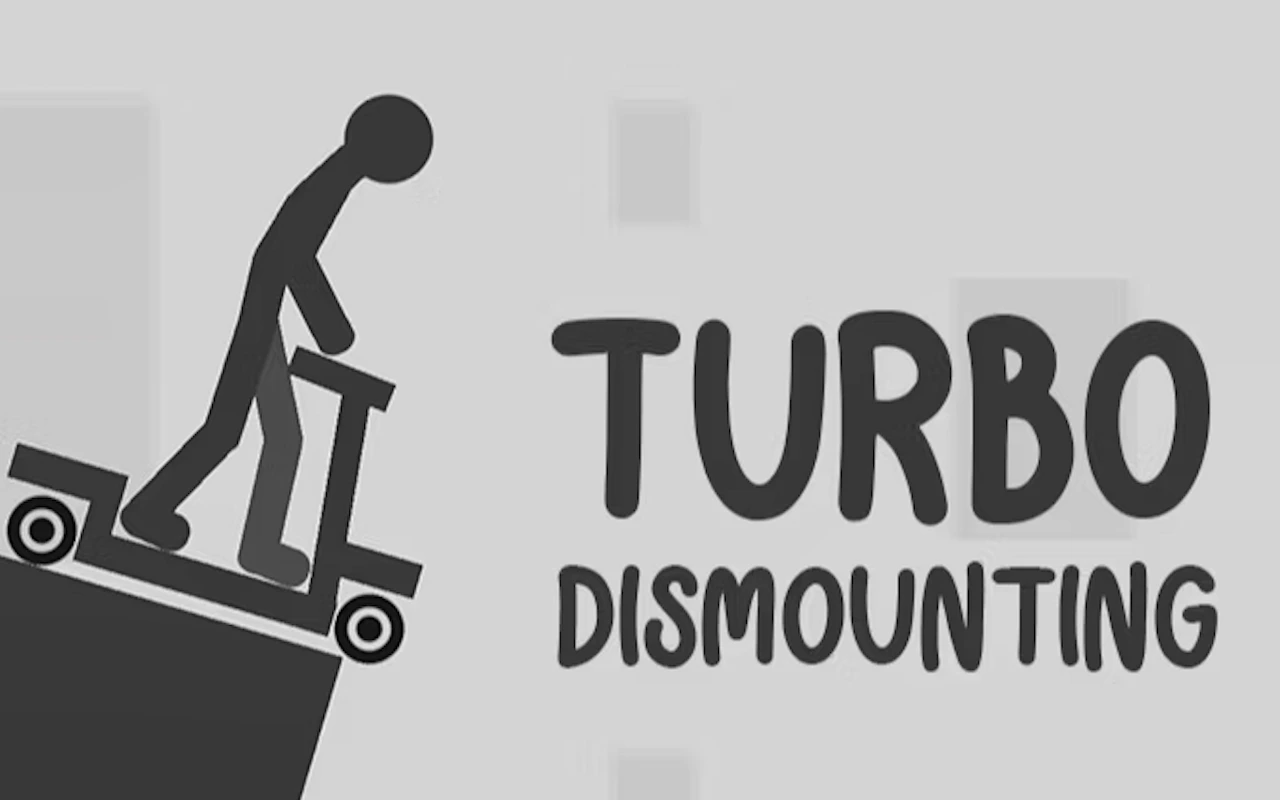
Smash a stickman into obstacles in a physics crash game.
4.8Runs in your browser · no download
- Category
- Action
- Score
- 4.8
- Device
- Mobile + Desktop
- Access
- Free Play
- Controls
- Mouse + Keyboard
- Type
- HTML5 Game
The guide
Overview
Crashing on purpose is the whole point, and each wreck earns rewards that buy new rides and stages. You can rewatch every pile-up afterwards, which is half the appeal. Landscape on a wider screen fits best.
What it's like to play
Browser action games work best in bursts, and Turbo Crash Test is happy to oblige. Load it up, play a level or a wave, and you've given your reflexes a proper workout in the time it takes to finish a snack. Difficulty usually rises with each stage, adding faster enemies, more of them, or trickier ground to fight on. You'll know you're improving when the screen gets busier and you're still standing.
Controls
- Mouse to aim, click to act
- Arrow keys or WASD to move; Space to jump or confirm
- Press Escape or the exit button to leave the full-screen player
How to play
- 1Start a level and learn how your character moves and attacks.
- 2Clear smaller enemies first so you don't get swamped.
- 3Grab health or power-ups when the fight allows.
- 4Push on to the next stage and adapt to whatever it adds.
Features
- Free to play, nothing to install, no account needed
- Loads in the browser tab and opens full screen when you press Play
- Plays best with the phone turned sideways or on a wider screen
- Mouse and keyboard controls, with touch support on most devices
- Listed under Action
Why it's worth a go
Quick to start, easy to stop, and lively the whole way through. Turbo Crash Test gives you a jolt of excitement without a big time commitment.
Who it's for
Anyone after quick, energetic play, especially players who like combat and reflex challenges.
FAQs
- How long are levels in Turbo Crash Test?
- It varies, but browser action levels tend to be short, so you can stop between them easily.
- Is it free to play?
- Yes. It's free in your browser with no sign-up.
- Why does it run slowly?
- Try closing other tabs or apps. Older devices can struggle when the screen gets crowded.