
Browser game · Arcade
Spell to the Beats
Spell words in time with the music and keep the rhythm going.
4.0Runs in your browser · no download
- Category
- Arcade
- Score
- 4.0
- Device
- Mobile + Desktop
- Access
- Free Play
- Controls
- Mouse + Keyboard
- Type
- HTML5 Game
The guide
Overview
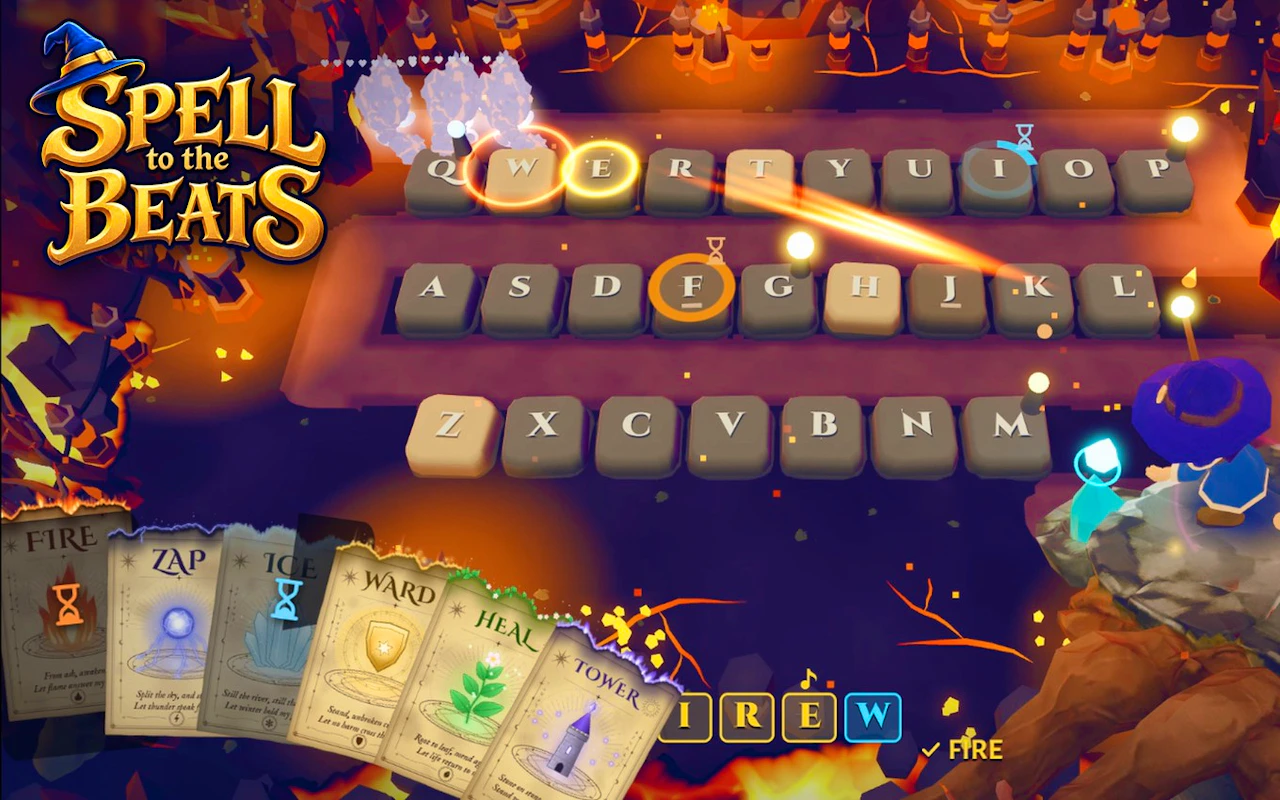
Spelling meets timing in this landscape music game. Spell on the beat and keep the streak alive.
What it's like to play
Your first go at Spell to the Beats will probably end early, and that's fine. The second goes a little further because now you know what the red things do. By the fifth or sixth round you're dodging on instinct and getting greedy with pickups, which is usually what finishes you. The game rarely changes its rules mid-run. It just keeps turning up the pressure until something gives, ideally not you.
Controls
- Mouse to aim, click to act
- Arrow keys or WASD to move; Space to jump or confirm
- Press Escape or the exit button to leave the full-screen player
How to play
- 1Treat your first round as a scouting trip, not a serious attempt.
- 2Learn which objects help and which ones end the run.
- 3Find a rhythm and hold it, since panicked inputs cause most crashes.
- 4Push your best score bit by bit and notice what tends to knock you out.
Features
- Free to play, nothing to install, no account needed
- Loads in the browser tab and opens full screen when you press Play
- Plays best with the phone turned sideways or on a wider screen
- Mouse and keyboard controls, with touch support on most devices
- Listed under Arcade
Why it's worth a go
The loop is honest: you lose because you slipped, and you improve because you practiced. Spell to the Beats doesn't pad that with grinding or upgrade menus. Open the tab, play a few rounds, close it.
Who it's for
Score chasers, retro fans, and anyone who likes quick feedback. It works well for short stints at a desk or on a phone.
FAQs
- How long is a round of Spell to the Beats?
- That depends on how well you play. Early runs tend to be short, and they stretch out as your timing improves.
- Can I use a controller?
- Some browser games recognise gamepads, but many don't. Keyboard, mouse, and touch are the safest bets.
- Is it safe for kids?
- Arcade games here are generally light and cartoonish. If you're unsure, try a round yourself first.