Browser game · Racing
Russian Car Drift 3D
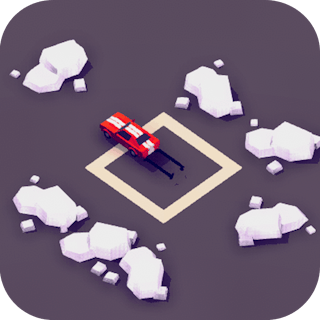
Drift a car around slippery isometric circuits using simple taps.
4.7Runs in your browser · no download
- Category
- Racing
- Score
- 4.7
- Device
- Mobile + Desktop
- Access
- Free Play
- Controls
- Touch + Keyboard
- Type
- HTML5 Game
The guide
Overview
Pick up collectibles on each lap and work toward new cars. Obstacles punish sloppy slides, but your progress sticks around between sessions, so getting better happens on your own schedule. Built for a phone held vertically.
What it's like to play
Not every racer is about laps. Plenty in this category are about weaving through traffic, dodging obstacles, or seeing how far you can get before something stops you. Russian Car Drift 3D keeps the core idea, go fast and don't crash, and builds from there. Expect quick decisions, near misses, and a strong urge to have one more go when you wipe out just short of a personal best.
Controls
- Tap, hold and swipe on phones and tablets
- Mouse or trackpad on a computer; arrow keys or WASD where the game asks for movement
- Press Escape or the exit button to leave the full-screen player
How to play
- 1Learn how quickly your vehicle turns and stops.
- 2Keep your eyes far down the road, not on your own car.
- 3Take near misses only when you're confident; they often aren't worth it.
- 4Restart and aim to go a little further each time.
Features
- Free to play, nothing to install, no account needed
- Loads in the browser tab and opens full screen when you press Play
- Designed for a phone held upright
- Touch controls on phones and tablets, mouse and keyboard on a computer
- Listed under Racing
Why it's worth a go
Short runs and clear goals make it a good fit for quick breaks. Russian Car Drift 3D keeps you sharp without asking for much time.
Who it's for
Anyone who likes speed and reflex games, from kids to adults.
FAQs
- What controls does Russian Car Drift 3D use?
- Usually arrow keys or WASD, sometimes with the spacebar for boost or brake. Touch devices typically use on-screen controls.
- Does it work offline?
- Generally not, because it's loaded from the web. A stable connection helps.
- Is it free?
- Yes. It's free to play with no account needed.