
Browser game · Racing
Pizza Panic
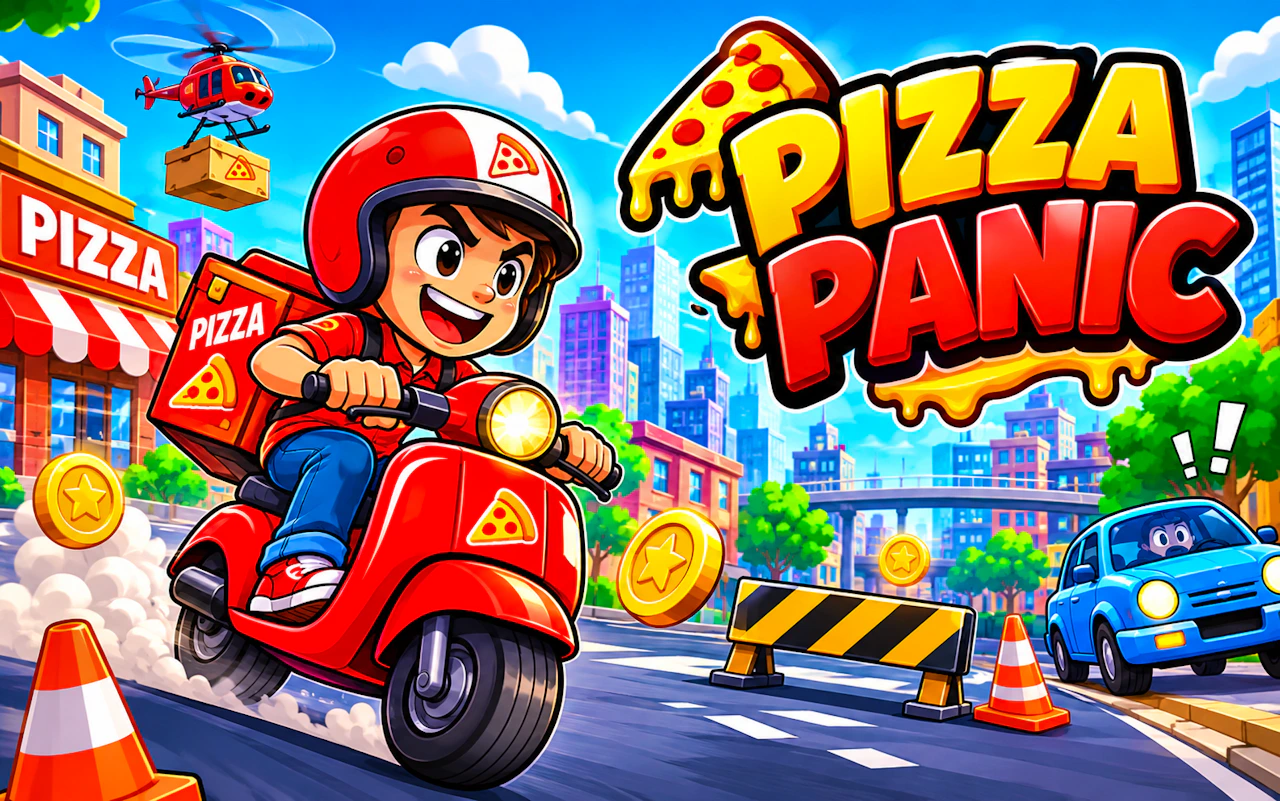
Rush hot pizzas across town before they go cold in the box.
3.9Runs in your browser · no download
- Category
- Racing
- Score
- 3.9
- Device
- Mobile + Desktop
- Access
- Free Play
- Controls
- Mouse + Keyboard
- Type
- HTML5 Game
The guide
Overview
Delivery driving against the clock. Pick a route, dodge traffic and get each pizza to the door while it still steams. Any screen works.
What it's like to play
Browser racing games tend to lean arcade rather than simulation, and Pizza Panic fits that mold: forgiving handling, generous collisions, and speed that feels faster than it probably is. That makes it easy to pick up. Still, there's room to get good. Clean lines, smart braking, and well-timed boosts add up, and the gap between a messy race and a tidy one can be surprisingly wide.
Controls
- Mouse to aim, click to act
- Arrow keys or WASD to move; Space to jump or confirm
- Press Escape or the exit button to leave the full-screen player
How to play
- 1Hold accelerate and get used to how your vehicle handles.
- 2Tap the brake or ease off before tight turns.
- 3Use any drift or boost mechanics the game offers.
- 4Restart quickly after a bad start rather than chasing a lost race.
Features
- Free to play, nothing to install, no account needed
- Loads in the browser tab and opens full screen when you press Play
- Works in portrait or landscape
- Mouse and keyboard controls, with touch support on most devices
- Listed under Racing
Why it's worth a go
Easy to start and fun to improve at. Pizza Panic gives you the feel of speed without needing serious racing know-how.
Who it's for
Casual drivers, kids who like cars, and players who want quick, light races.
FAQs
- Is Pizza Panic realistic?
- Browser racers usually aim for fun over realism, with simple handling and quick restarts.
- Do I need a fast computer?
- Most modern computers and phones handle browser racing games fine.
- Can I pause mid-race?
- Many games pause with Escape or P, or a pause button on screen.