
Browser game · Puzzles
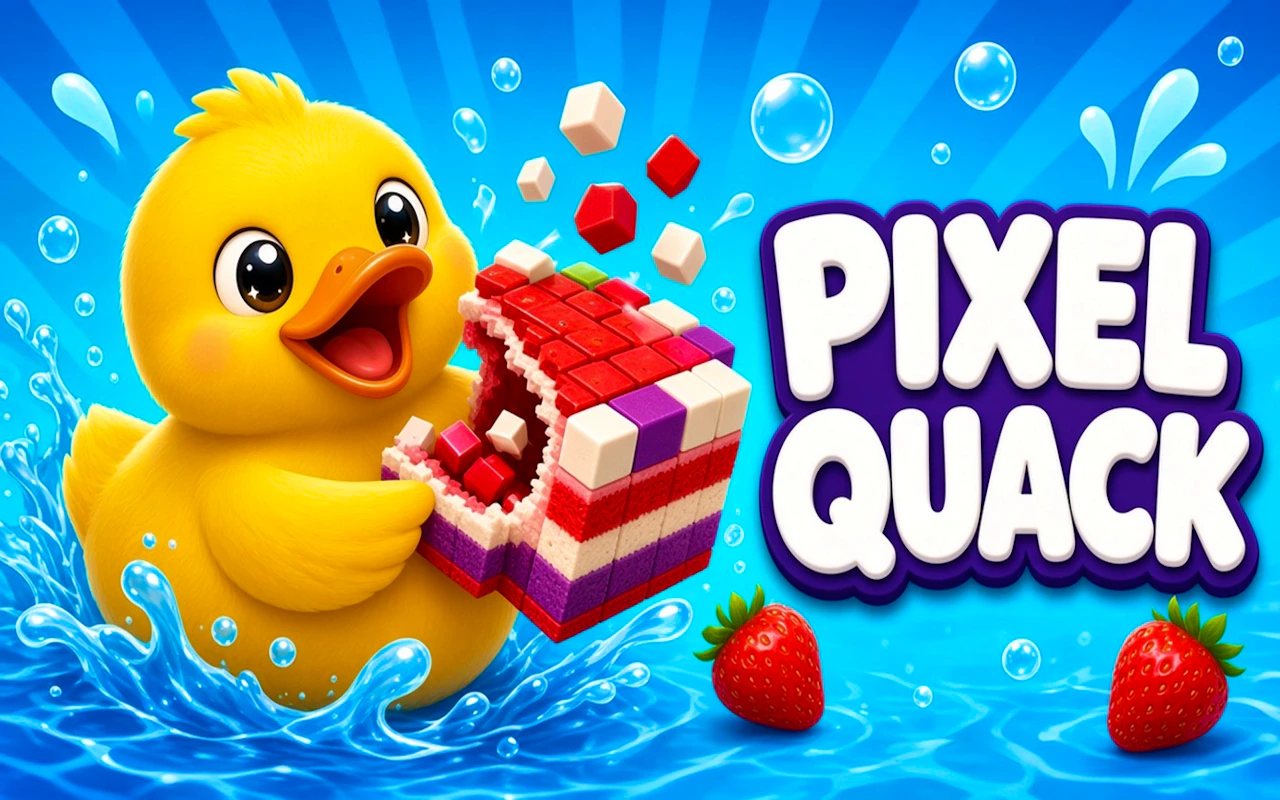
Pixel Quack - Food Puzzle
Feed a pixel duck by solving food puzzles one plate at a time.
4.0Runs in your browser · no download
- Category
- Puzzles
- Score
- 4.0
- Device
- Mobile + Desktop
- Access
- Free Play
- Controls
- Touch + Keyboard
- Type
- HTML5 Game
The guide
Overview
Pixel art puzzling with a hungry duck. Arrange the food right, solve each little setup and keep the quacking content. Laid out for portrait play.
What it's like to play
Think of Pixel Quack - Food Puzzle as the puzzle page of a newspaper, minus the pencil smudges. The rules come first, usually in a sentence or two, and then it's just you and a grid of possibilities. Early layouts nudge you toward the answer. Later ones hide it behind a couple of plausible decoys. There's no reflex check here, only a steady back and forth between spotting a pattern and checking whether it holds up.
Controls
- Tap, hold and swipe on phones and tablets
- Mouse or trackpad on a computer; arrow keys or WASD where the game asks for movement
- Press Escape or the exit button to leave the full-screen player
How to play
- 1Learn the rule each stage shows you, even if it seems obvious.
- 2Look for corners, edges, or forced moves where there's only one option.
- 3Work outward from what you're sure of instead of guessing in the middle.
- 4Restart cleanly if the board gets messy; a blank slate often reveals the pattern.
Features
- Free to play, nothing to install, no account needed
- Loads in the browser tab and opens full screen when you press Play
- Designed for a phone held upright
- Touch controls on phones and tablets, mouse and keyboard on a computer
- Listed under Puzzles
Why it's worth a go
It's the same quiet satisfaction as a finished crossword, without paper or a pen that's always missing. Pixel Quack - Food Puzzle lets you set your own pace and walk away mid-stage without guilt. No downloads, no fuss.
Who it's for
Logic fans, word and number puzzle regulars, and anyone who prefers a calm game to a twitchy one. Older kids and adults will get the most out of the later stages.
FAQs
- Do I need a keyboard for Pixel Quack - Food Puzzle?
- Generally not. A mouse or a finger is enough for most puzzle games, though some offer keyboard shortcuts if you like them.
- Is my progress saved?
- Many puzzle games store progress in the browser on your device. If you clear your browsing data or use a different browser, it may start fresh.
- Is this game okay for kids?
- Puzzle games here are generally family-friendly. Younger kids might want help with instructions or the harder stages.