
Browser game · Casual
Perfect Stack
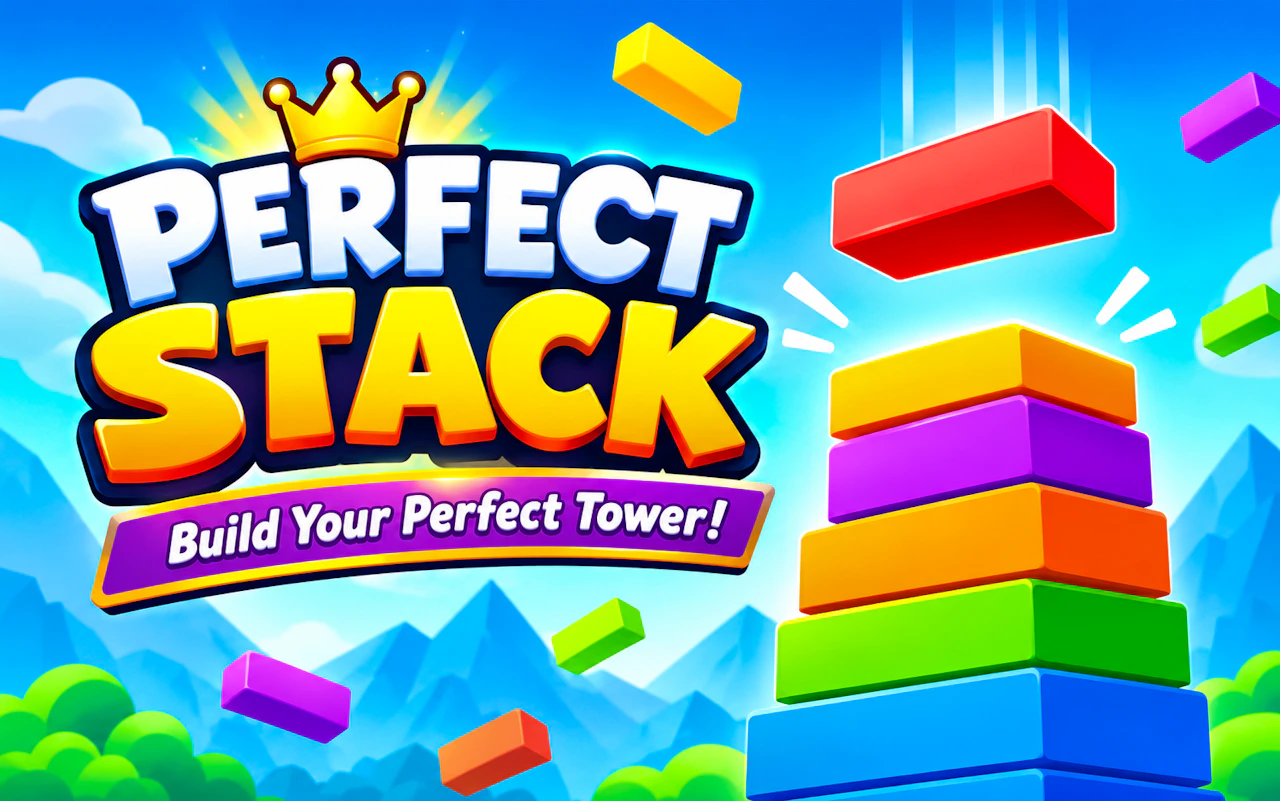
Drop blocks onto the tower and line each one up exactly to keep it wide.
3.9Runs in your browser · no download
- Category
- Casual
- Score
- 3.9
- Device
- Mobile + Desktop
- Access
- Free Play
- Controls
- Mouse + Keyboard
- Type
- HTML5 Game
The guide
Overview
Stacking games punish sloppy timing. Each block that hangs over the edge gets cut, so the tower shrinks with every miss. Tap at the right moment and build high. Any orientation.
What it's like to play
After a long day, not every game should make you sweat. Perfect Stack keeps things easygoing: short rounds, forgiving rules, and feedback that's more pat on the back than telling off. You can play a round in the time it takes the kettle to boil, or let a few rounds blur into a quiet half hour. The goals are gentle, the controls are plain, and losing usually just means trying again.
Controls
- Mouse to aim, click to act
- Arrow keys or WASD to move; Space to jump or confirm
- Press Escape or the exit button to leave the full-screen player
How to play
- 1Open the game and look around the first screen before you start.
- 2Use simple clicks, taps, or drags to make your moves.
- 3Aim for the round's target, but don't stress about flawless results.
- 4Replay any round you'd like to improve or simply liked.
Features
- Free to play, nothing to install, no account needed
- Loads in the browser tab and opens full screen when you press Play
- Works in portrait or landscape
- Mouse and keyboard controls, with touch support on most devices
- Listed under Casual
Why it's worth a go
Sometimes you want to play something without reading a strategy guide. Perfect Stack is easy to pick up, easy to put down, and free right in your browser.
Who it's for
Tired grown-ups, students on a study break, and kids who like bright, simple games. No gaming background required.
FAQs
- Is Perfect Stack free to play?
- Yes. You can play it free in your browser without signing up.
- Can I lose my progress?
- If the game saves locally, clearing browser data or switching devices may reset it. Returning on the same browser usually keeps your place.
- Does it need a fast connection?
- Not usually. Once the game loads, most casual titles run comfortably on an ordinary connection.