Browser game · Action
Otto's Factory
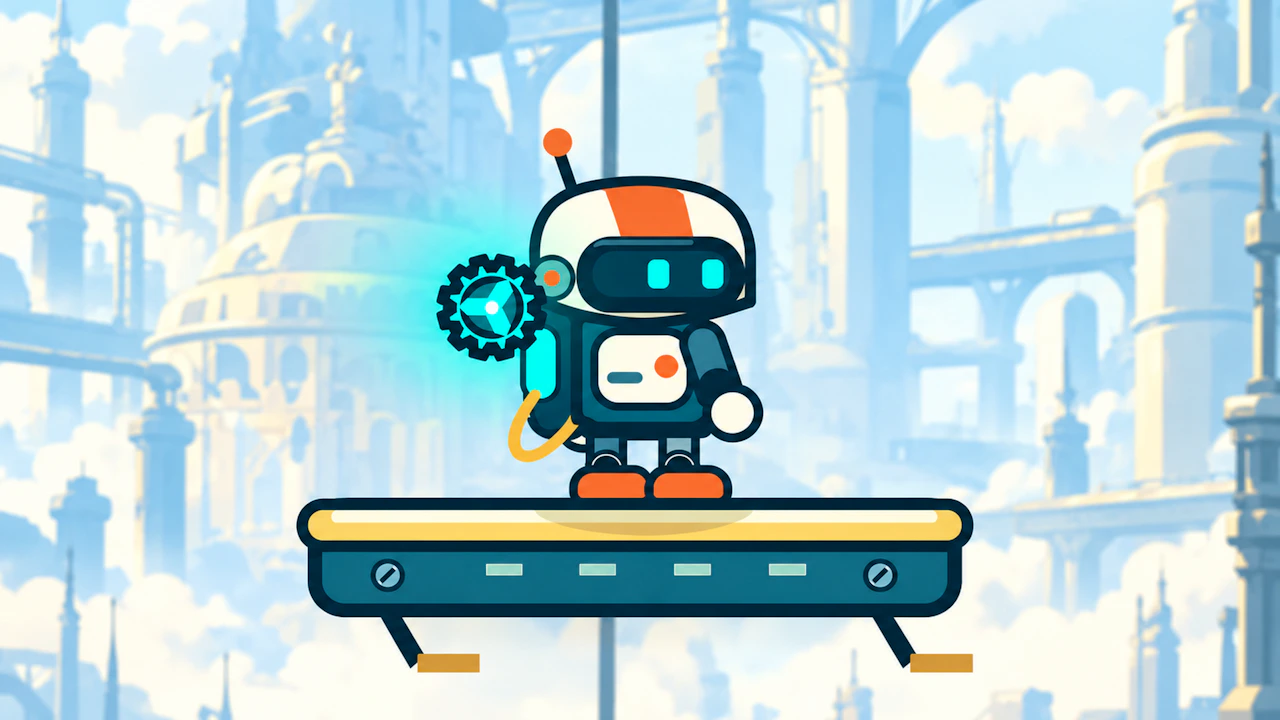
Help Otto the robot fight his way through a factory full of hazards.
4.3Runs in your browser · no download
- Category
- Action
- Score
- 4.3
- Device
- Mobile + Desktop
- Access
- Free Play
- Controls
- Mouse + Keyboard
- Type
- HTML5 Game
The guide
Overview
Robots and factories are a natural fit. Keep Otto moving, deal with whatever the production line throws out and make it through. Built for landscape screens.
What it's like to play
Every enemy in an action game is a small puzzle with a timer attached. In Otto's Factory, you'll start noticing that one foe might pause before it charges, another might attack in a set rhythm, and a bigger one might leave an opening after a heavy swing. Once you've read those patterns, fights stop feeling chaotic and start feeling like a routine you know the steps to. Until then, expect a few rough attempts.
Controls
- Mouse to aim, click to act
- Arrow keys or WASD to move; Space to jump or confirm
- Press Escape or the exit button to leave the full-screen player
How to play
- 1Watch enemies for a moment before engaging.
- 2Learn the tell before each attack and move out of the way.
- 3Strike during the gap right after an enemy attacks.
- 4Repeat tricky sections until the timing becomes automatic.
Features
- Free to play, nothing to install, no account needed
- Loads in the browser tab and opens full screen when you press Play
- Plays best with the phone turned sideways or on a wider screen
- Mouse and keyboard controls, with touch support on most devices
- Listed under Action
Why it's worth a go
The improvement is visible and satisfying. Otto's Factory turns chaos into something you understand, one enemy at a time.
Who it's for
Players who like learning patterns, people who appreciate a fair challenge, and fans of classic brawlers or hack-and-slash games.
FAQs
- Is Otto's Factory hard?
- Action games usually start manageable and ramp up. Learning enemy patterns makes a big difference.
- Does it save checkpoints?
- Some action games do, often in your browser's storage. Others restart from the beginning after a loss.
- Can I use a gamepad?
- Some browser games detect controllers, but keyboard and mouse are the most reliable options.