
Browser game · Casual
Organizer Master
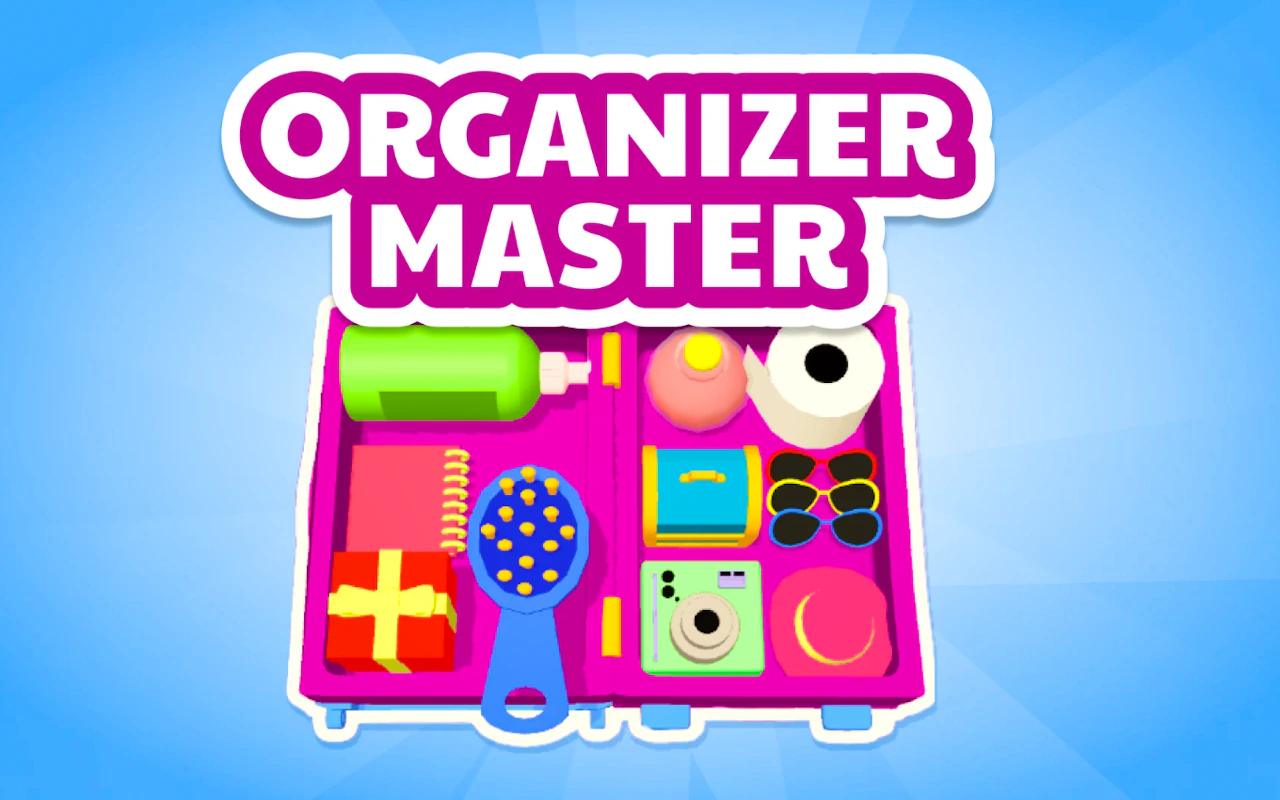
Find matching pairs and slot them neatly into place in a 3D sorting puzzle.
4.6Runs in your browser · no download
- Category
- Casual
- Score
- 4.6
- Device
- Mobile + Desktop
- Access
- Free Play
- Controls
- Mouse + Keyboard
- Type
- HTML5 Game
The guide
Overview
Objects pile up in 3D, and your task is to pick out pairs and fit them into the right spots. There are many levels, and each new layer makes the job harder. Good spatial thinking helps a lot. People who find tidying oddly satisfying will like the steady difficulty climb.
What it's like to play
Organizer Master is the kind of game you can play while half listening to a podcast. The rules are clear from the first screen, nothing chases you, and a single session asks for very little. That doesn't make it mindless. There's usually a gentle goal pulling you forward, like filling a bar, matching a set, or tidying up a scene, and small rewards land often enough to keep the mood light.
Controls
- Mouse to aim, click to act
- Arrow keys or WASD to move; Space to jump or confirm
- Press Escape or the exit button to leave the full-screen player
How to play
- 1Start the game and follow the short prompt that explains the goal.
- 2Click or tap to interact; most casual games need only one kind of input.
- 3Work toward the current target and watch for little bonuses along the way.
- 4Stop whenever you like, since sessions are designed to be short.
Features
- Free to play, nothing to install, no account needed
- Loads in the browser tab and opens full screen when you press Play
- Plays best with the phone turned sideways or on a wider screen
- Mouse and keyboard controls, with touch support on most devices
- Listed under Casual
Why it's worth a go
It's low stakes in the best way. Organizer Master gives your hands something to do and your head a rest. It runs free in the browser, so there's no setup and nothing to install.
Who it's for
Anyone after a relaxed break, from kids to grandparents. It's also a good pick for people who don't usually call themselves gamers.
FAQs
- How do I play Organizer Master?
- Mostly by clicking or tapping. The game shows what to do on the first screen, and the early rounds act as a tutorial.
- Does it save automatically?
- Many casual games store progress in your browser. On the same device and browser, you'll often pick up where you stopped.
- Can I play on a phone?
- Yes, in most cases. Casual games tend to be simple to control with touch.