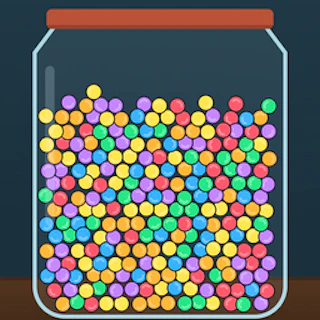
Browser game · Junior
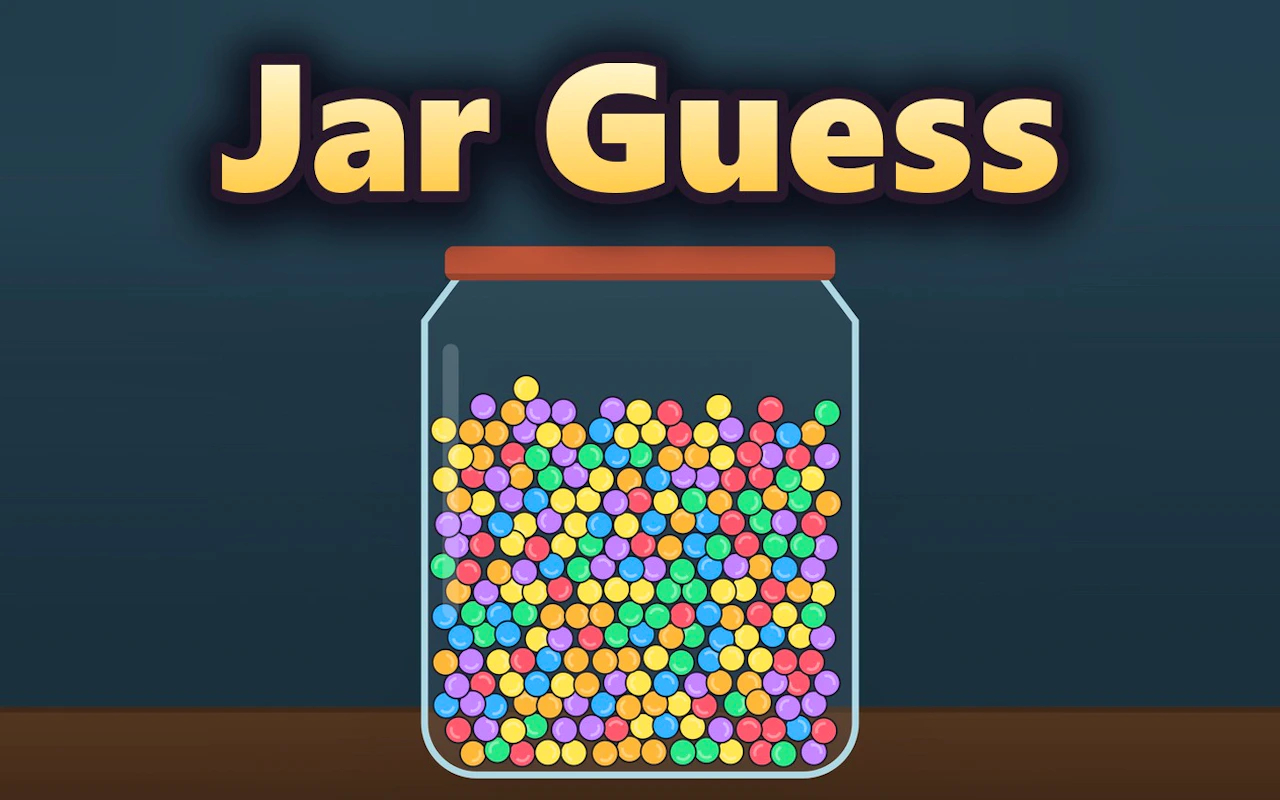
Jar Guess
Guess what's in the jar and see how close you can get.
3.9Runs in your browser · no download
- Category
- Junior
- Score
- 3.9
- Device
- Mobile + Desktop
- Access
- Free Play
- Controls
- Mouse + Keyboard
- Type
- HTML5 Game
The guide
Overview
Younger players get a gentle trivia game here. Look carefully, make a guess and learn a bit along the way. Works on phones, tablets and desktops.
What it's like to play
Junior games are for kids who've outgrown tapping balloons but aren't ready for the full grown-up catalogue. Jar Guess fits that gap. There's a character to steer or a puzzle with a couple of steps, and just enough challenge to feel like a real game. Mistakes don't hurt much; the game restarts the stage and lets them try again. Over a few sessions most kids get noticeably quicker, and they tend to notice it themselves, which is half the fun.
Controls
- Mouse to aim, click to act
- Arrow keys or WASD to move; Space to jump or confirm
- Press Escape or the exit button to leave the full-screen player
How to play
- 1Press Play and read the short instructions together if your child is still learning to read.
- 2Try the controls in the first stage, which is usually the easiest.
- 3Follow the arrows or hints toward the goal, like a finish line, a star or a counter.
- 4If a stage is tricky, play it again; the game restarts quickly.
Features
- Free to play, nothing to install, no account needed
- Loads in the browser tab and opens full screen when you press Play
- Works in portrait or landscape
- Mouse and keyboard controls, with touch support on most devices
- Listed under Junior
Why it's worth a go
Jar Guess gives kids a proper sense of progress without frustration. It's free in the browser, needs no download, and doesn't ask for an account.
Who it's for
Aimed at early school-age children who can follow simple instructions. Younger kids may need a helping hand, and parents can easily play along.
FAQs
- Can my child play Jar Guess alone?
- Lots of kids manage solo once they've seen a level played. Younger ones might want a grown-up nearby for the words or the buttons.
- Does it need reading?
- Not much. The few words on screen tend to come with pictures or sound.
- Is it free?
- Yes. It's free to play in the browser with nothing to buy.