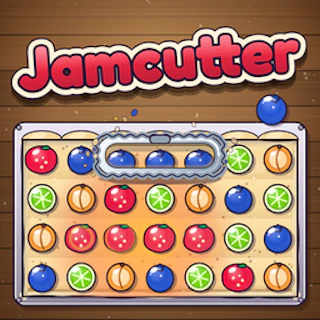
Browser game · Puzzles
Jamcutter
Cut through the jam and clear the way in a quick puzzle game.
3.9Runs in your browser · no download
- Category
- Puzzles
- Score
- 3.9
- Device
- Mobile + Desktop
- Access
- Free Play
- Controls
- Mouse + Keyboard
- Type
- HTML5 Game
The guide
Overview
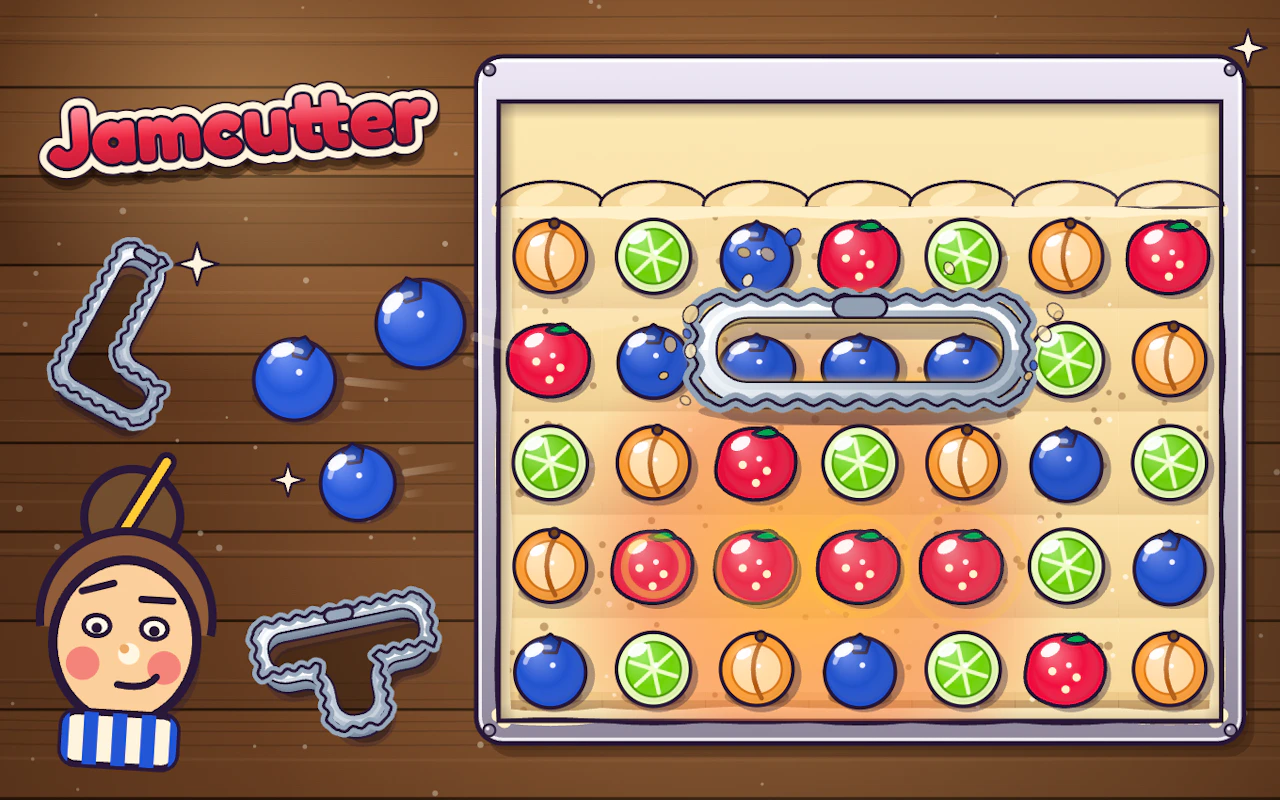
Jamcutter is a puzzle about clearing a jam. Spot what's blocking what, free it up and keep things moving. Plays on any screen.
What it's like to play
Most of what you'll do in Jamcutter is get things slightly wrong. That's not a complaint. Puzzle games teach through failed attempts: a misplaced piece shows you a constraint you'd missed, and a dead end tells you which branch to cut. Stages tend to start roomy and get tighter, so by the end you're working with fewer spare moves and a much better sense of what each piece can and can't do.
Controls
- Mouse to aim, click to act
- Arrow keys or WASD to move; Space to jump or confirm
- Press Escape or the exit button to leave the full-screen player
How to play
- 1Make a first attempt without overthinking it; seeing why it fails is quicker than planning in the dark.
- 2Use undo or restart freely, since most stages don't charge you for trying again.
- 3Notice which pieces you keep moving back, because those are usually the key to the layout.
- 4On later stages, plan two or three moves ahead before you commit.
Features
- Free to play, nothing to install, no account needed
- Loads in the browser tab and opens full screen when you press Play
- Works in portrait or landscape
- Mouse and keyboard controls, with touch support on most devices
- Listed under Puzzles
Why it's worth a go
There's something calming about a game that lets you be wrong as often as you like. Jamcutter doesn't rush you or punish a bad guess, so the only pressure is whatever you bring yourself. It's free and runs right in the browser.
Who it's for
Tinkerers, people who learn by poking at things, and anyone who finds manuals boring. It's gentle enough for younger players, while later stages give seasoned puzzle fans something to chew on.
FAQs
- How do I control Jamcutter?
- On a computer you'll mostly click or drag with the mouse. On a touchscreen, taps and swipes do the same jobs. Any extra keys are usually shown on screen.
- Is it free?
- Yes, it's free to play here in your browser. You don't need to sign up or pay to start.
- Can I skip a stage I'm stuck on?
- That varies between games. Some let you skip or take a hint, while others want each stage cleared in order. Coming back later with fresh eyes often works better anyway.