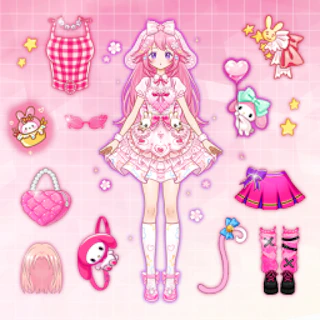
Browser game · Girls
Idol Livestream Fashion Game
Style an idol for a livestream with outfits and accessories.
3.9Runs in your browser · no download
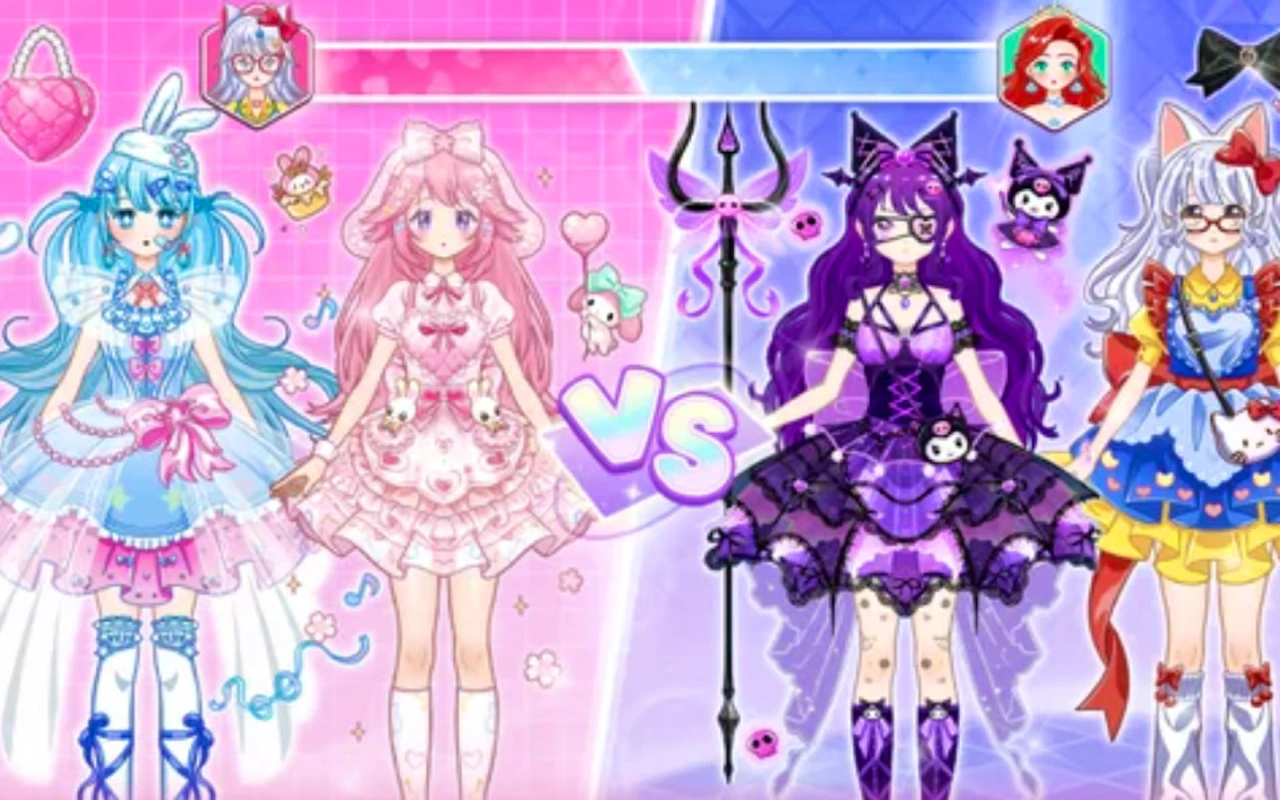
- Category
- Girls
- Score
- 3.9
- Device
- Mobile + Desktop
- Access
- Free Play
- Controls
- Touch + Keyboard
- Type
- HTML5 Game
The guide
Overview
Dress-up for the streaming age. Pick clothes, try combinations and get the look camera-ready. Made for a phone held upright.
What it's like to play
A round of Idol Livestream Fashion Game usually goes like this. You meet a character or a scene, get a hint about what's needed, and start picking from menus. Hair, then clothes, then shoes. Or base, then frosting, then toppings, whatever the theme calls for. Each choice shows up instantly, so you can judge it right away. When you're done, there's often a final reveal that makes the whole effort feel finished.
Controls
- Tap, hold and swipe on phones and tablets
- Mouse or trackpad on a computer; arrow keys or WASD where the game asks for movement
- Press Escape or the exit button to leave the full-screen player
How to play
- 1Start by reading the brief or prompt for the round.
- 2Work through each menu in order, making a choice in each.
- 3Go back and swap anything that clashes.
- 4Take in the final reveal, then try a different style next round.
Features
- Free to play, nothing to install, no account needed
- Loads in the browser tab and opens full screen when you press Play
- Designed for a phone held upright
- Touch controls on phones and tablets, mouse and keyboard on a computer
- Listed under Girls
Why it's worth a go
Instant feedback makes every choice satisfying. Idol Livestream Fashion Game lets you see your ideas come together in minutes, all inside a browser tab.
Who it's for
Young designers, fashion fans, and players who like neat, visual results. It's easy enough for beginners.
FAQs
- Do I need to download Idol Livestream Fashion Game?
- No. It plays directly in your browser.
- Can I use a mouse and a touchscreen?
- Yes. Both work, and tapping usually does exactly what clicking does.
- Why are some items greyed out?
- Some games reveal extra items as you play more rounds. Keep going and new options often appear.