
Browser game · Puzzles
Emberwake
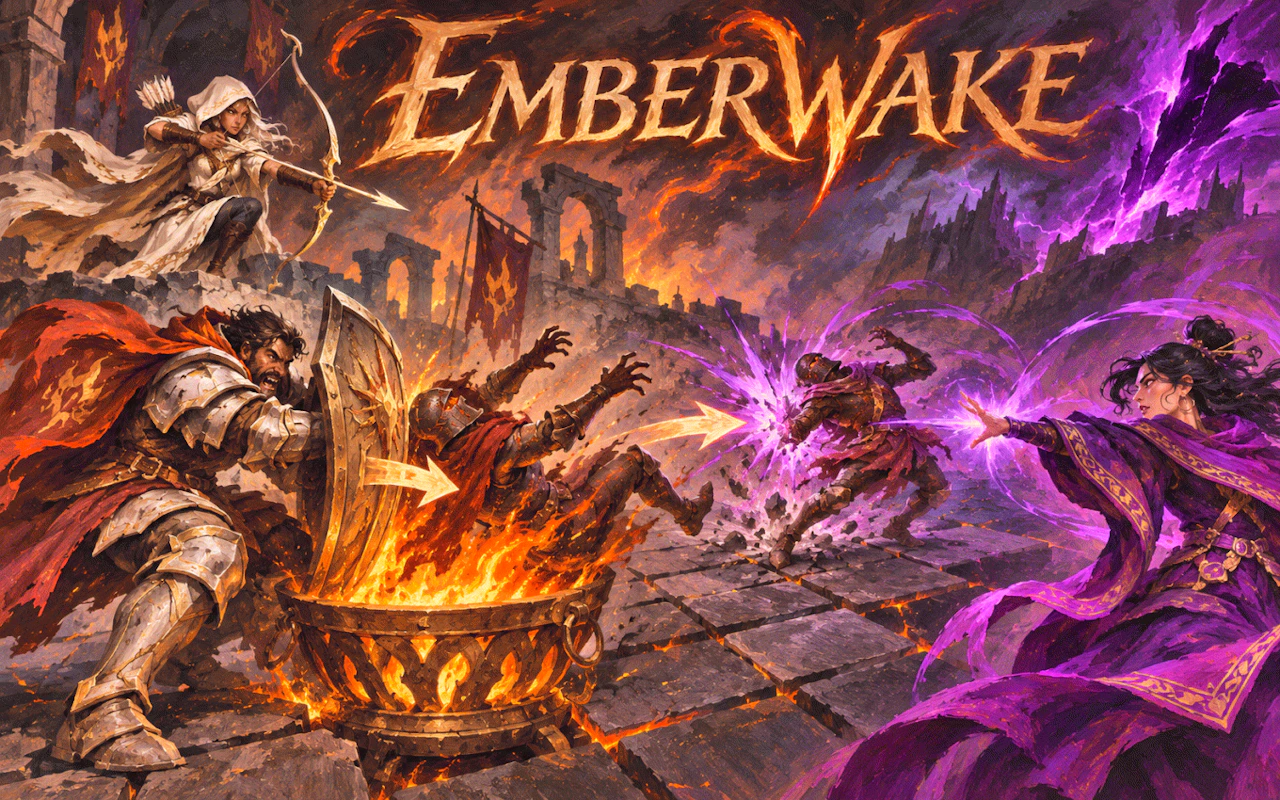
Work through portrait puzzle boards with an ember glow theme.
3.9Runs in your browser · no download
- Category
- Puzzles
- Score
- 3.9
- Device
- Mobile + Desktop
- Access
- Free Play
- Controls
- Touch + Keyboard
- Type
- HTML5 Game
The guide
Overview
Puzzles built around a warm, fiery theme. Each layout needs a little planning before it falls into place. Sized for portrait screens and quick sittings.
What it's like to play
Emberwake drops you in front of a board and leaves the figuring out to you. The first few moves are cautious pokes at the rules. Then something lines up, you start to see why a piece belongs where it does, and a run of stages falls quickly. Sooner or later one won't budge. That's where the good part lives: you stare, you try something daft, it fails, and then the real answer shows up while you're half looking at something else.
Controls
- Tap, hold and swipe on phones and tablets
- Mouse or trackpad on a computer; arrow keys or WASD where the game asks for movement
- Press Escape or the exit button to leave the full-screen player
How to play
- 1Before moving anything, scan the whole board and spot pieces that can only go one place.
- 2Select with a click or a tap, then place it; if you change your mind, look for an undo button.
- 3Lock in the obvious bits early, because every solved corner shrinks the options left elsewhere.
- 4If a stage stalls you, stop guessing and ask which rule you haven't leaned on yet.
Features
- Free to play, nothing to install, no account needed
- Loads in the browser tab and opens full screen when you press Play
- Designed for a phone held upright
- Touch controls on phones and tablets, mouse and keyboard on a computer
- Listed under Puzzles
Why it's worth a go
Nobody's timing your thinking here, at least not on most stages. Emberwake pays you back for slowing down, and that small jolt when a stubborn layout finally gives in is a nice thing to get out of a coffee break. It opens in a browser tab, so there's nothing to install or remove later.
Who it's for
Folks who'd rather think than react, commuters with a phone and one free thumb, and anyone who finishes the newspaper puzzle before reading the news. Kids can play too, though later stages might need a grown-up's second opinion.
FAQs
- Will Emberwake remember where I stopped?
- Often, yes, because many games keep progress in your browser's storage. Wipe your browser data or move to another device and it will probably start over, since there's no account to sync with.
- Is there a clock ticking?
- It depends on the game. Plenty of puzzles happily wait while you think, and a few use a timer for bonus points. You can replay stages either way.
- Does it work on a phone?
- Most puzzles here handle touch fine, with a tap doing what a click does. If the board feels squeezed, try turning your phone sideways.