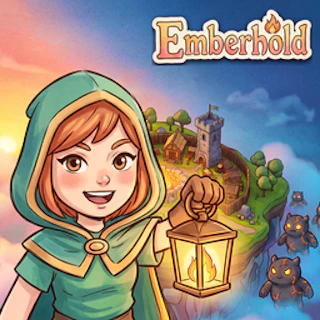
Browser game · Strategy
Emberhold - Kingdom Defense
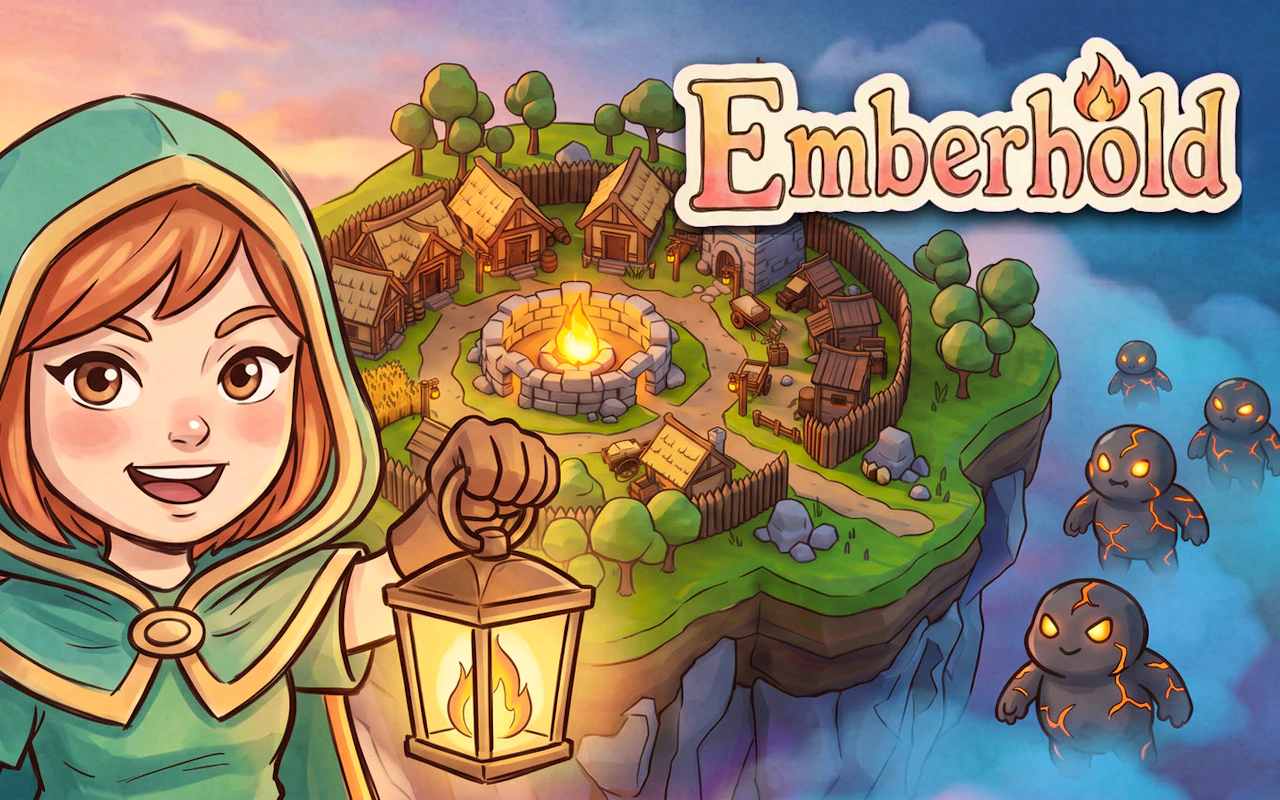
Defend the kingdom of Emberhold against wave after wave of attackers.
3.9Runs in your browser · no download
- Category
- Strategy
- Score
- 3.9
- Device
- Mobile + Desktop
- Access
- Free Play
- Controls
- Mouse + Keyboard
- Type
- HTML5 Game
The guide
Overview
Kingdom defense is about planning your defenses and adjusting as the pressure builds. Strategy for a landscape screen.
What it's like to play
Emberhold - Kingdom Defense is a game of small, careful loops. Place something, watch what it does, tweak. Move a piece, wait for the reply, reconsider. Resources are always a touch short, and the upgrade you want is always just out of reach, which forces real choices. The early stages teach the basic tools, and later ones combine them in nastier ways. Expect to lose a map or two before it clicks. When it does, it's a great feeling.
Controls
- Mouse to aim, click to act
- Arrow keys or WASD to move; Space to jump or confirm
- Press Escape or the exit button to leave the full-screen player
How to play
- 1Play the opening stage slowly and read any tooltips that appear.
- 2Prioritise income or resource gathering before spending on big items.
- 3Use pause, if available, to plan your next few moves calmly.
- 4When a stage beats you, think about timing as well as placement.
Features
- Free to play, nothing to install, no account needed
- Loads in the browser tab and opens full screen when you press Play
- Plays best with the phone turned sideways or on a wider screen
- Mouse and keyboard controls, with touch support on most devices
- Listed under Strategy
Why it's worth a go
Emberhold - Kingdom Defense gives you meaningful choices and lets you learn from every one of them. It's browser-based, free, and needs no installation.
Who it's for
Suits patient players, puzzle fans and anyone who enjoys watching a plan come together. Not about fast fingers, so plenty of people can get into it.
FAQs
- Can I pause Emberhold - Kingdom Defense?
- Usually, yes. Look for a pause control, and turn-based games simply wait for you.
- What if I keep losing a stage?
- That's normal. Try changing one thing at a time, like where you build or when you spend, and the stage usually opens up.
- Does it work on mobile?
- Usually, with touch controls. A tablet or computer makes reading the map and placing items easier.