Browser game · Junior
Doodle Shield
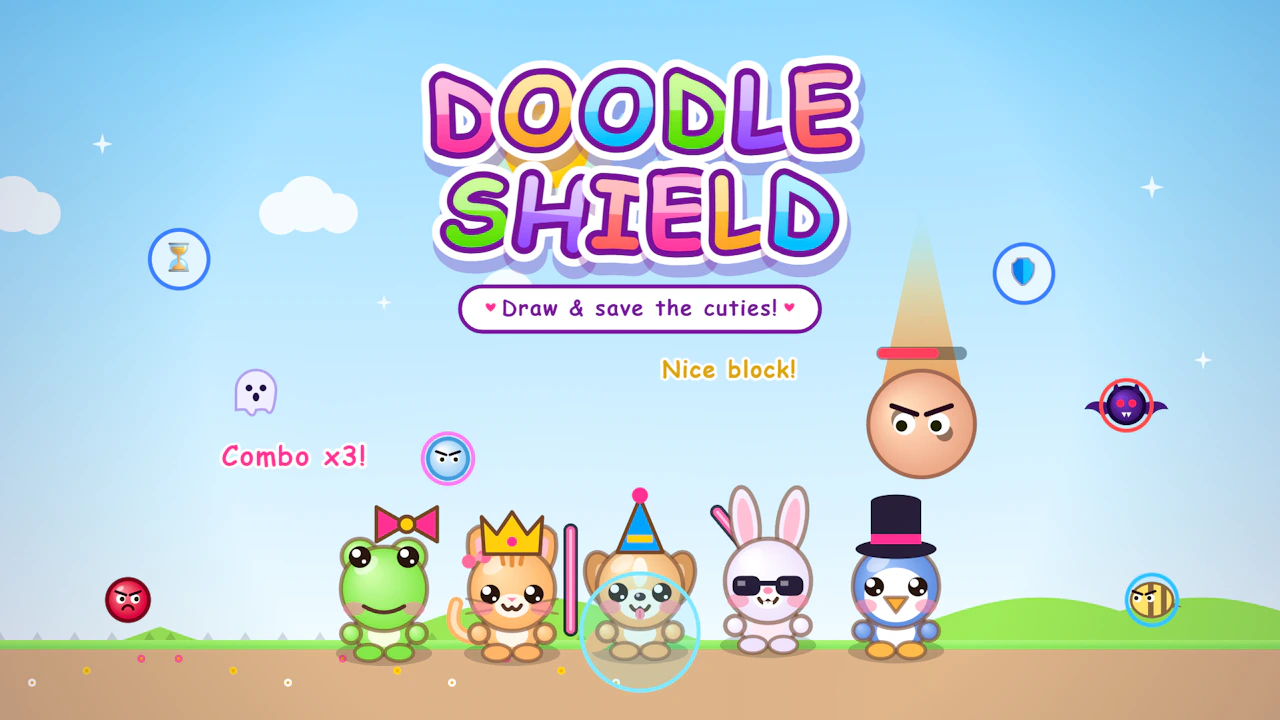
Sketch a shield in time to block whatever's coming at you.
3.9Runs in your browser · no download
- Category
- Junior
- Score
- 3.9
- Device
- Mobile + Desktop
- Access
- Free Play
- Controls
- Mouse + Keyboard
- Type
- HTML5 Game
The guide
Overview
Drawing as defense: doodle a line and it becomes the barrier. Quick thinking and a steady finger help. Easy enough for younger players and fine on any device.
What it's like to play
A good junior game feels like a real game, just with softer edges. Doodle Shield has goals, levels and a bit of skill involved, but it doesn't punish slips harshly. A child can fall off a ledge or pick the wrong answer and be back in a moment. The difficulty creeps up slowly. That means kids get to feel themselves improving, which tends to keep them interested longer than a game that's too easy or suddenly too hard.
Controls
- Mouse to aim, click to act
- Arrow keys or WASD to move; Space to jump or confirm
- Press Escape or the exit button to leave the full-screen player
How to play
- 1Press Play and check whether the game uses arrow keys, clicks or taps.
- 2Practise moving or choosing in the first stage, where there's little pressure.
- 3Follow the on-screen goal, like reaching a flag or finding the right number.
- 4Retry any stage as often as needed; there's no penalty for having another go.
Features
- Free to play, nothing to install, no account needed
- Loads in the browser tab and opens full screen when you press Play
- Works in portrait or landscape
- Mouse and keyboard controls, with touch support on most devices
- Listed under Junior
Why it's worth a go
Doodle Shield hits a nice middle ground: real challenge, gentle consequences. It's free, works in a browser tab and needs no sign-up.
Who it's for
Suited to young school-age children and families who play together. Kids who find toddler games too simple often settle into these happily.
FAQs
- What controls does Doodle Shield use?
- Usually arrow keys or simple clicks on a computer, and taps or swipes on a tablet. The start screen shows them.
- Is it free to play?
- Yes. There's no cost, no download and no account.
- Can younger kids play?
- Often, with a bit of help reading instructions or using the controls.