Browser game · Arcade
Crazy Knife
Chop food at speed while dodging obstacles that dull your knife.
4.6Runs in your browser · no download
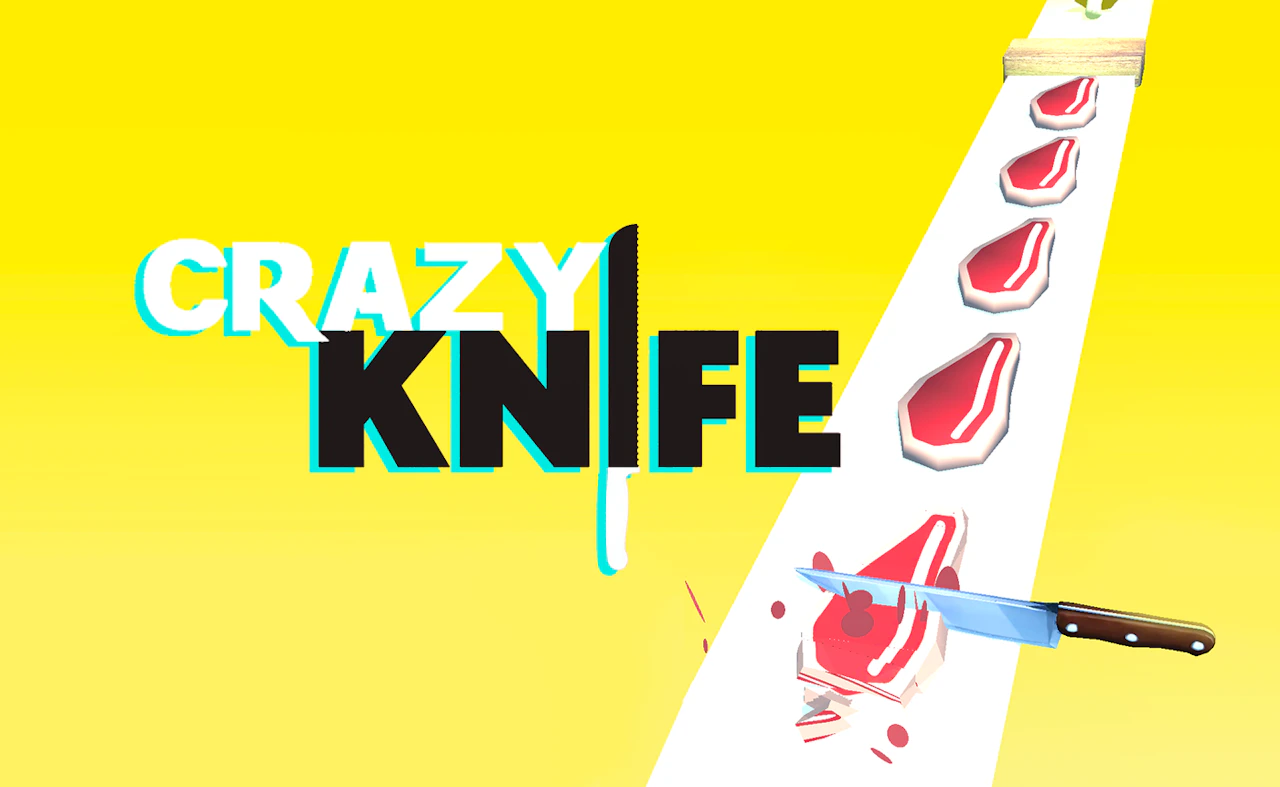
- Category
- Arcade
- Score
- 4.6
- Device
- Mobile + Desktop
- Access
- Free Play
- Controls
- Touch + Keyboard
- Type
- HTML5 Game
The guide
Overview
Slice as fast as you can, but hitting obstacles costs points and sharpness. Speed and care pull in opposite directions, which is the whole tension. Portrait screen. Players who want a quick arcade slicing game will like the rhythm.
What it's like to play
Crazy Knife plays the way old cabinet games did: one life or a few, a score in the corner, and a restart button you'll be pressing a lot. Each run starts easy enough that you'll wonder what the fuss is about. Then the speed ticks up, obstacles crowd in, and your thumb starts doing things before your brain signs off on them. A run might be over in moments or stretch on for a while, depending on how the dodging goes.
Controls
- Tap, hold and swipe on phones and tablets
- Mouse or trackpad on a computer; arrow keys or WASD where the game asks for movement
- Press Escape or the exit button to leave the full-screen player
How to play
- 1Check the controls on the start screen; most arcade games use arrow keys, a mouse, or taps.
- 2Play the first run loosely to learn how fast things move and what hurts you.
- 3Grab pickups or points when it's safe, but staying alive usually matters more.
- 4When the run ends, glance at your score and hit restart while the timing is still fresh.
Features
- Free to play, nothing to install, no account needed
- Loads in the browser tab and opens full screen when you press Play
- Designed for a phone held upright
- Touch controls on phones and tablets, mouse and keyboard on a computer
- Listed under Arcade
Why it's worth a go
Nothing to manage, no story to follow, no menus three layers deep. Crazy Knife is a quick reflex workout with a number at the end that you'll want to beat. It loads in a tab and gets out of the way when you're done.
Who it's for
Players who like snappy sessions, score chasers, and anyone who grew up feeding coins into machines. Kids pick it up quickly, though the later speed may frustrate the youngest.
FAQs
- What are the controls for Crazy Knife?
- Usually arrow keys, the spacebar, a mouse click, or a tap. The exact setup is normally shown before you start or in a quick tutorial.
- Does it keep my high score?
- Many arcade games store your best score in your browser. It'll likely disappear if you clear browsing data or switch devices.
- Can I play on a tablet?
- In most cases, yes. Touch controls tend to be simple taps or swipes, though a few games feel better with a keyboard.